
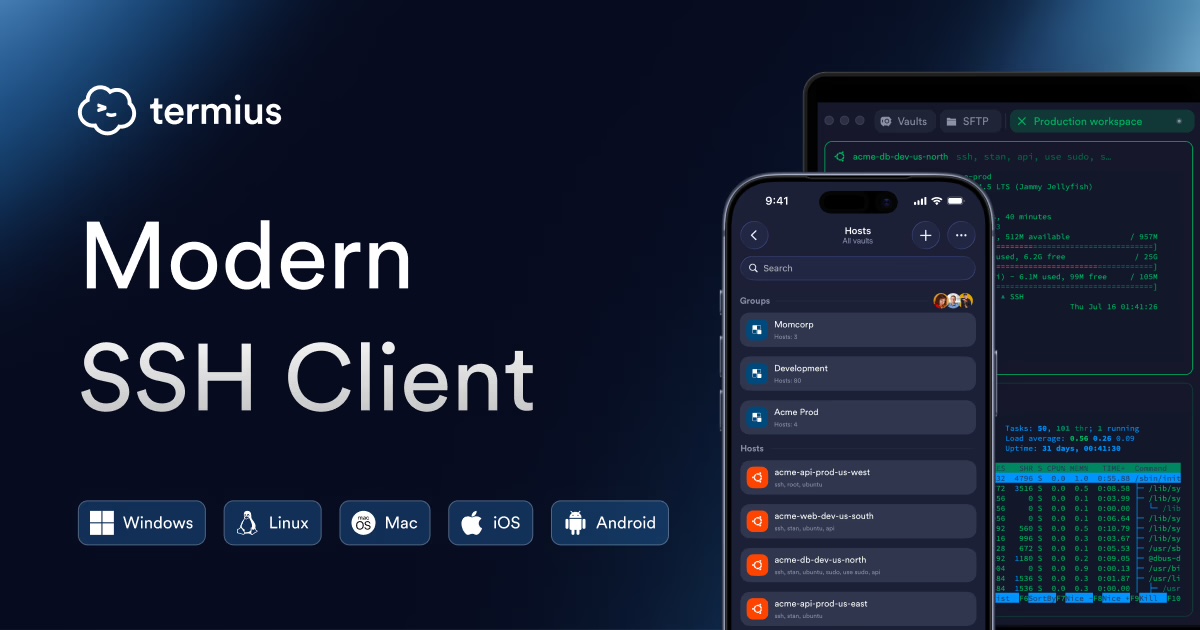
Termius is an SSH client that makes it easy to manage a Linux server from your computer or phone. It runs on Windows, macOS, Linux, iOS and Android, remembers your servers and stores your SSH keys, so next time connecting takes a single click.
Below we show how to connect to an F3 Cloud server with a password and then set up a more secure login with an SSH key.
Server running Windows?
Termius is for servers running Linux. You connect to a Windows server through Remote Desktop.
What you need
Before you start, get the server login details ready:
- the server's IP address;
- the username, which is
rooton Linux servers; - the password.
All of this is emailed to you once the server is up, and it is always available in the client area under the Instructions button. We showed where to find it in the article on ordering a server.
1. Install Termius
Download Termius from the official website and install it like any other program. For iPhone and Android, the app is in the App Store and Google Play.
On first launch, Termius offers to sign in or create an account. After you sign up, a trial of the Pro plan starts, and no money is charged automatically. When the trial ends, you can stay on the free Starter plan, which is fully enough for working with servers.
What the paid plan adds
On Pro, servers and keys are synced between your computer and phone.
On the free Starter plan, everything is stored only on the device where you added it.
2. Add the server
Open the Vault tab, go to Hosts and click New Host. A card for the new server appears on the right. Fill in these fields:
- IP or Hostname – your server's IP address;
- Label – any name that makes sense to you, for example “My VPS”. It is only used in the server list;
- Username –
root; - Password – the server password.
Leave the port at 22 unless you have changed it. Termius saves the card on its own, so there is no separate save button.
How to get the password right
Copy the password from the email or the Instructions button and paste it, rather than typing it by hand. Make sure no space at the start or end gets copied along with it.
3. Connect to the server
Click Connect on the server card or double-click the server in the list.
On the first connection, Termius shows the server's fingerprint and asks whether you trust it. This is normal, because SSH uses the fingerprint to protect you from a spoofed server. Click Add and continue, and Termius will remember the server so it doesn't ask again.
When a terminal window opens with the name root and a blinking cursor, you are on the server and can type commands. For example, you can check which system is installed.
# Shows the name and version of the operating system
cat /etc/os-release
Congratulations, you are connected! You can get straight to your projects now, but we recommend spending another five minutes to set up key-based login.
4. Set up SSH key login
A password can be guessed or spied on, while an SSH key is practically impossible to guess. A key has two parts:
- the private part is kept only by you in Termius, and you must never share it with anyone;
- the public part sits on the server in the
~/.ssh/authorized_keysfile, and it is safe to show.
The server only lets in someone who has the private part matching the stored public one. Termius can create the key itself and send the public part to the server, so you won't need to type any commands.
Create a key
- Open the Vault tab and the Keychain section.
- In the keys drop-down menu, choose Generate key.
- In the Label field, type a name for the key, for example “My laptop”.
- In the Key type field, choose Ed25519. This is a modern, fast and reliable key type.
- If you like, set a Passphrase, which is a password for the key itself. Then nobody can use the key without it, even if they get access to your computer. Turn on Save passphrase so that Termius doesn't ask for it on every connection.
- Click Generate & save.
Send the key to the server
- In the Keychain section, right-click the key and choose Export to host.
- Click Select Host and choose your server.
- Leave the other fields as they are and click Export and Attach.
Termius will log in to the server with the password, add the public part of the key to authorized_keys and immediately attach the key to that server's card.
On a phone it works the same way
In the iPhone and Android app, you create a key in the Keychain section with the + button. To send it to the server, tap the key and choose the server you need.
Check the key login
Open the server card and delete the password from the Password field. The attached key should remain below it. Click Connect. If the terminal opens and nobody asks for a password, the key works.
Keep the server password
On the free plan, the key is stored only in Termius on this device and is deleted together with the app. So don't throw away the server password. And if you do lose access, you can open the server right in your browser with the Console button in the client area.
If you already have a key
If you have already created a key with the ssh-keygen command, for example by following our guide to SSH keys, there is no need to make a new one. Add it to Termius:
- In the Keychain section, click New key and then Import from key file.
- Choose the private key file. It is usually
id_ed25519, without the.pubextension. It sits in the hidden.sshfolder inside your user folder:- on Windows, this is
C:\Users\UserName\.ssh\; - on macOS and Linux, this is
~/.ssh/. To see the hidden folder in the file picker on a Mac, press Cmd + Shift + .
- on Windows, this is
- If you set a password when creating the key, enter it in the Passphrase field.
Then send the key to the server with Export to host, as described above. If the public part is already on the server, you only need to attach the key to the card. To do this, open the server card, click + SSH ID, Key, Certificate, FIDO2, choose Key and select your key.
Turn off password login
Once key login works, you can turn off password login on the server completely. Then there is simply nothing left to guess. We explained in detail how to do this without losing access in the article Logging in with SSH keys and a separate user.
If you can't connect
Connection timed out
Termius can't reach the server. Check that the IP address is correct and that the server's status in the client area is Active. If you have set up a firewall, make sure the SSH port is open in it.
Connection refused
The server is reachable, but SSH isn't responding on the specified port. If you changed the SSH port, enter the new port in the server card. If the server has just been created or is rebooting, wait a couple of minutes and try again.
Permission denied or Authentication failed
The server didn't accept the username, password or key. Check that the username is root and paste the password again, without extra spaces. If you have already turned off password login, you can only connect with the key.
Termius warns that the server fingerprint has changed
This happens after the operating system is reinstalled, because the server gets new keys. If you reinstalled the system, delete the old server entry in the Vault tab under Known Hosts and connect again.
If you didn't reinstall anything, don't connect, and write to our support team.
Nothing helped?
If nothing helped, open the server with the Console button in the client area, which works even without SSH. If you still can't sort it out there, open a ticket and we'll help.
Our resources
Telegram channel: https://t.me/f3cloud_news
F3 Cloud: https://f3cloud.com